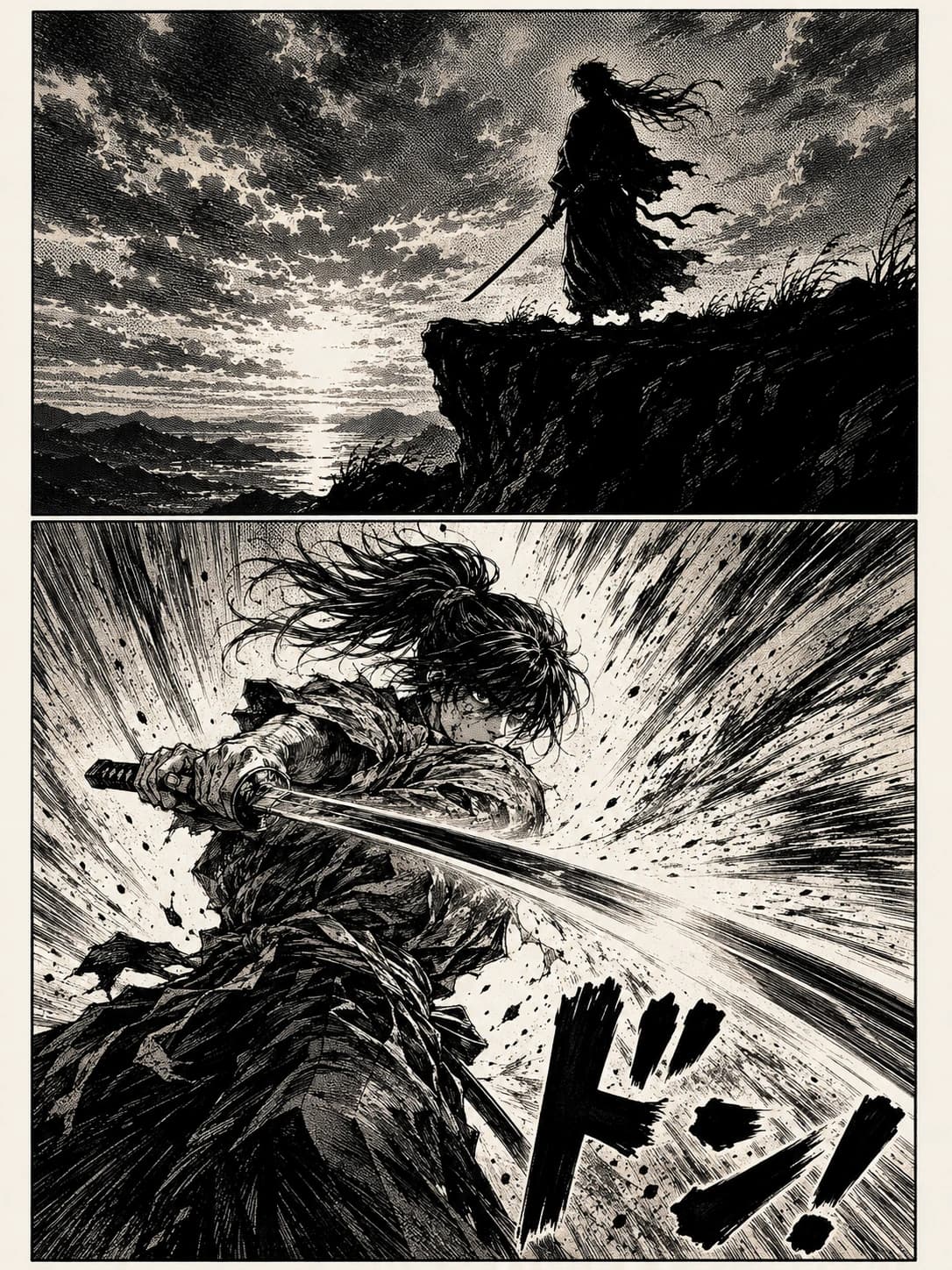
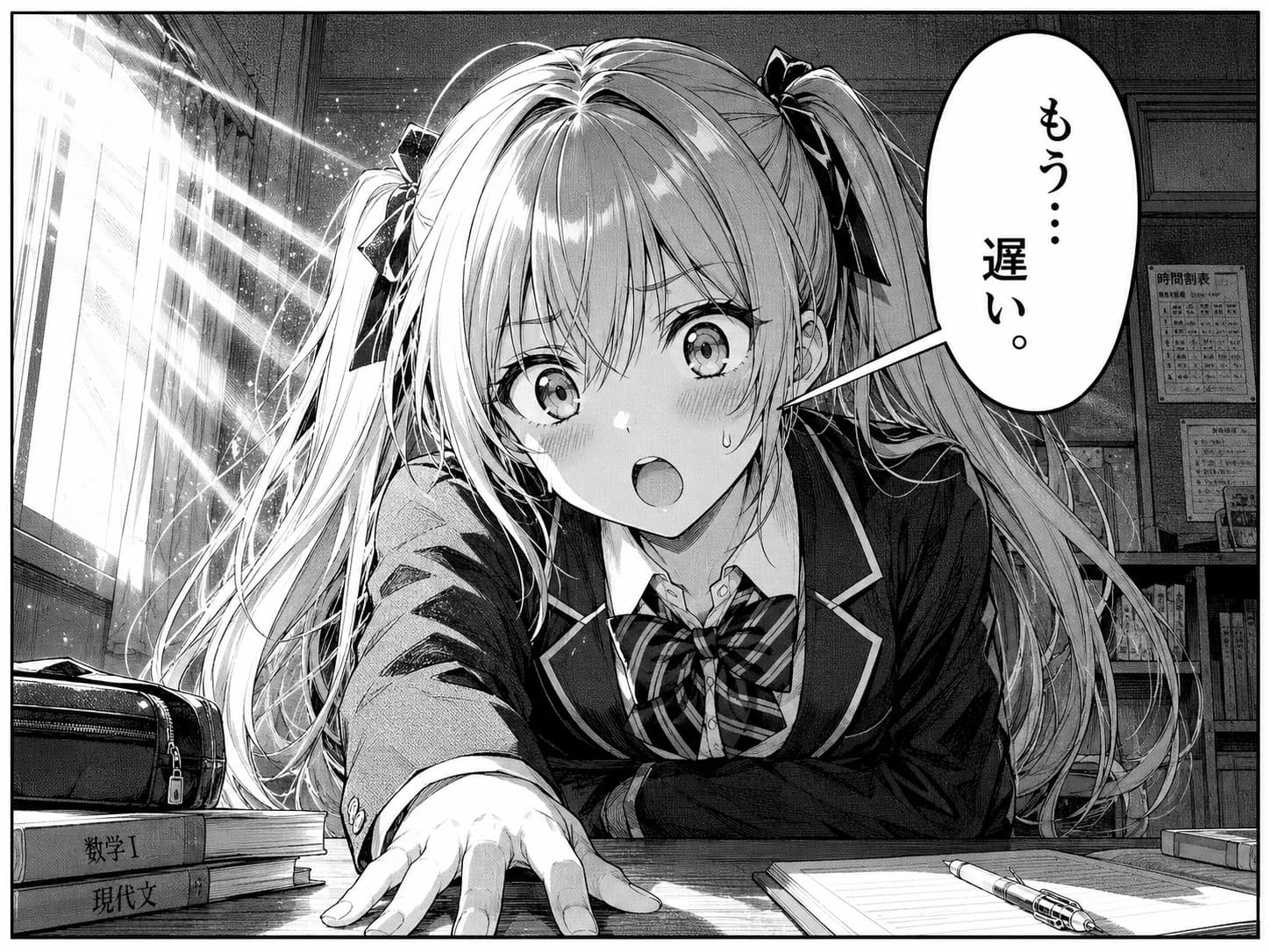
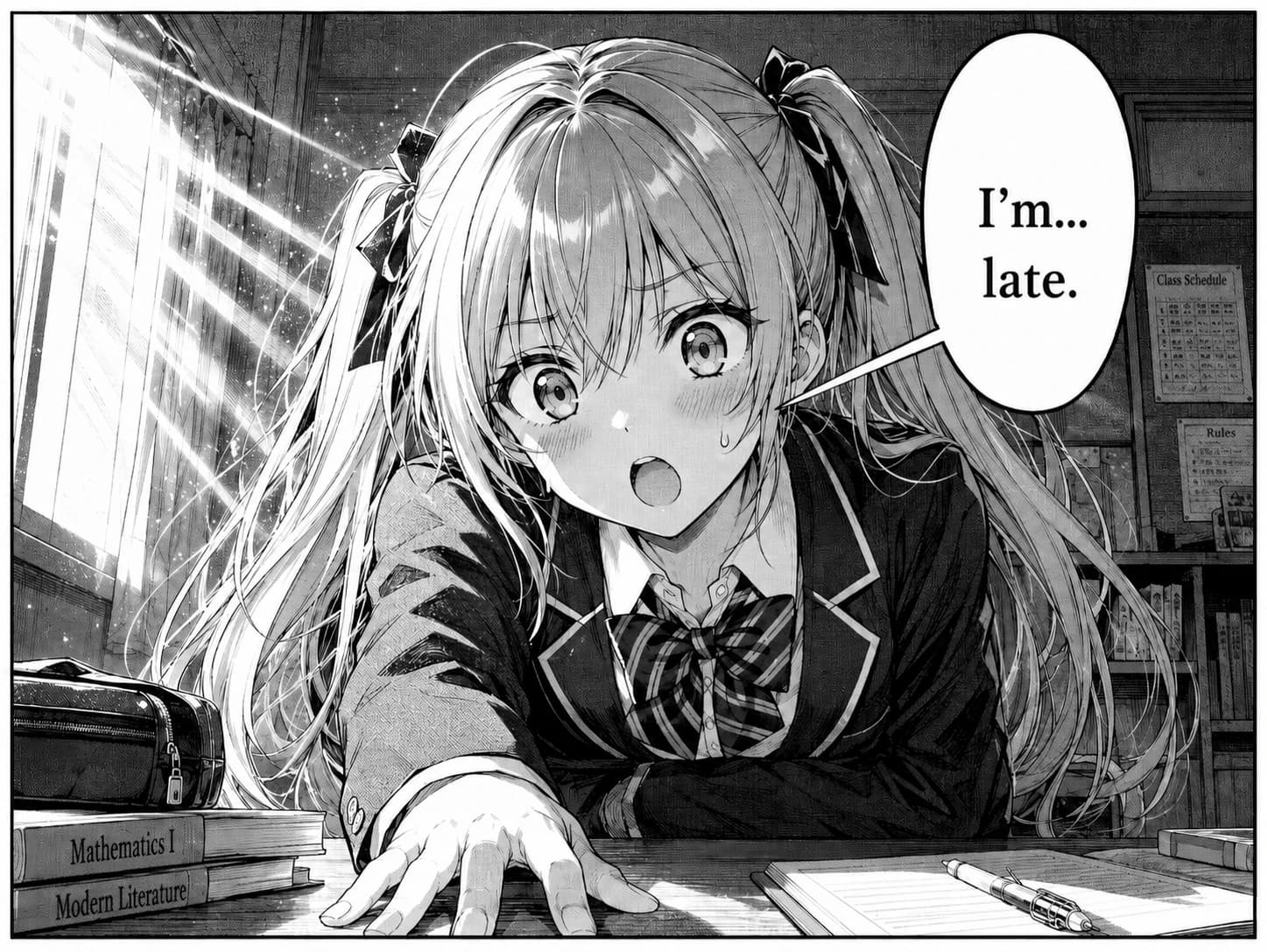
A cozy studio of reading tools

Cozy Chrome extensions for tired eyes & raw chapters.

Two Chrome extensions for manga, comics & webtoons. MochiDim warms the reader pane and cuts blue light — separately tunable — so 2am chapters don’t fry your eyes. MochiTranslate spot-translates any panel — hover, click, English back in the bubble. One-time payments. No tracking.

Not sure which? See a quick comparison.

Chrome · Brave · Edge · Arc·Lifetime licenses·No tracking in the extensions

Two extensions, one cozy philosophy.

MochiDim icon

MochiDim

Manga dimmer

Per-channel tone-mapping warms the reader pane without crushing the line art. Choose what gets dimmed — just the panels, or the whole reader. Layer tunable blue-light reduction on top for late-night sessions.

  • Blue-light reduction in four steps: off, low, med, high
  • Filter just the panels, or the whole reader pane
  • Three warmth presets: paper, dusk, midnight
  • No white flash between chapters · deepens on splash spreads
  • Hotkeys to toggle and cycle warmth without the popup
  • Local-only — settings never leave your browser
$19once · lifetime
MochiTranslate icon

MochiTranslate

AI manga translator

For the panel that just blocked you. Hover any manga image, click translate, get English back in the bubble — same hand, same layout. Built for spot use, not whole-chapter batch.

  • Spot-translate any panel — JP, KR, ZH
  • English back into the bubble, in the same hand
  • BYO Gemini key — cached re-reads stay free
  • $19 once · same lifetime price as MochiDim
$19once · lifetime

Built for image-based readers.

If most of your reading is panels — not paragraphs — MochiPanel is for you. Browsers were designed for paragraphs of text with reflow and font scaling. They give image readers nothing.

01

Manga readers

Daily MangaDex, Bato, MangaPlus, Comick or Tachiyomi-style scanlator sites.

02

Webtoon readers

Long vertical strips on Webtoons, Tapas or scrolling-aggregator sites.

03

Manhwa & manhua fans

Korean and Chinese long-form comics, often with bright color splash pages.

04

Late-night readers

Anyone who finishes chapters with the lights off and a phone-bright laptop.

05

Fanfic & web-novel readers

AO3, Wattpad, Royal Road, ScribbleHub — long text sessions where the warm filter saves the same eye strain a manga reader gets.

06

Scanned-book & PDF readers

Archive.org scans, art-book viewers, scanned PDFs in Chrome — image-based reading the manga selectors handle natively.

07

Raw-chapter readers

Readers who can’t wait for English releases and read raws with a translator.

08

Foreign-language image hobbyists

Untranslated doujin, Pixiv captions, foreign tweets, JRPG screenshots — anywhere text-in-image needs English.

09

Language learners (JP / KR / ZH)

Reading raws as study material. Spot-translate the kanji, hangul or hanzi you can't parse, leave the rest for your own reading practice.

On the manga sites you already use.

Tuned support for every popular reader, plus a generic strategy that handles anything else with an <img> element.

MangaDexmangadex.org
Webtoonswebtoons.com
MangaPlusmangaplus.shueisha.co.jp
Comickcomick.io
Bato.tobato.to
Asuraasuracomic.net
Cubaricubari.moe
Tapastapas.io

We’re building the reader we wanted for ourselves.

MochiPanel is a tiny studio making warm, friendly Chrome extensions for people who do most of their reading in image form. Manga, webtoons, scanned books, art books, screenshotted comics — the stuff browsers were never designed for.

We aren’t building a reader app, a social network, or a content marketplace. The internet has plenty of those. We build small tools that sit politely on top of the sites you already use, and try to make a 2-hour reading session feel a little less like staring into a lightbulb.

One-time payments. No accounts. No telemetry inside the extensions. Your reading habits are nobody’s business but yours.

One-time pricing

Buy once, use forever. No subscription, no seat math.

Local-first

Extension settings live in your browser. No server keeping logs.

Small & quiet

Sub-megabyte extensions. No popups. No newsletters.

Common questions about MochiPanel.

Q.01What is MochiPanel?

+

MochiPanel is a small software studio that makes Chrome extensions for reading manga, comics, and webtoons. Our extensions sit on top of the reading sites you already use (MangaDex, Webtoons, Comick, Bato, Cubari, MangaPlus and others) and improve specific reading problems: MochiDim makes images easier on the eyes; MochiTranslate spot-translates the panels you can't read into English, directly in the bubble.

Q.02Which Chrome extensions does MochiPanel make?

+

Two: MochiDim — a warm, paper-like dimming extension that reduces eye strain when reading manga and comics late at night; and MochiTranslate — an AI spot-translator that lets you hover any manga panel, click translate, and get English rendered back into the bubble. Both work in Chrome, Brave, Edge and Arc.

Q.03Does MochiPanel work for webtoons and not just manga?

+

Yes. Our extensions are designed for all image-based long-form reading: Japanese manga, Korean manhwa webtoons, Chinese manhua, Western comics, scanned art books and scanlator sites. MochiDim ships with hand-tuned reader-pane selectors for Webtoons, Tapas and other vertical-scroll sites alongside the two-page manga readers, so the warm filter applies cleanly on each.

Q.04Is MochiPanel free?

+

Both extensions are one-time purchases with lifetime licenses — no subscriptions, free updates forever. MochiDim is $19 once. MochiTranslate is also $19 once, and you bring your own Gemini API key — Google bills your account directly per panel, MochiPanel takes no cut. Cached re-reads inside MochiTranslate are free, so re-opening a chapter you already translated never costs you twice. The Studio Pass bundles both extensions for $30.

Q.05Does MochiPanel collect my reading data?

+

No — MochiPanel never sees your reading data. Both extensions are local-first: settings live in chrome.storage on your device. MochiDim's only network call is to validate your license key. MochiTranslate also validates its license, and sends each panel you translate directly from your browser to Google's Gemini API — we don't proxy or log those requests, and translations are cached on-device so we never see them.

Q.06How is MochiDim different from Chrome's dark mode or OS night shift?

+

OS dark mode inverts colors, which breaks manga art. A generic page-brightness extension multiplies every pixel uniformly, leaving the page washed-out and muddy. MochiDim uses per-channel tone-mapping (separate curves for R, G, B) so blacks stay deep, whites become warm cream, and contrast is preserved — and it's scoped to the reader pane, so site nav and comments stay at full brightness. There's also a separate blue-light slider that layers on top, biased toward highlights where most blue photons come from.

Get the (rare) studio updates

One email when we ship something new. No marketing, no newsletter, a couple a year at most.

No spam · Unsubscribe instantly

Read kinder. Read longer.

Install MochiDim and MochiTranslate. Both built by the same small studio, on the same one-time-pricing, no-tracking philosophy.

 made with warm light