Q.01Why not just use Chrome dark mode, OS night shift, or a generic page dimmer?
+
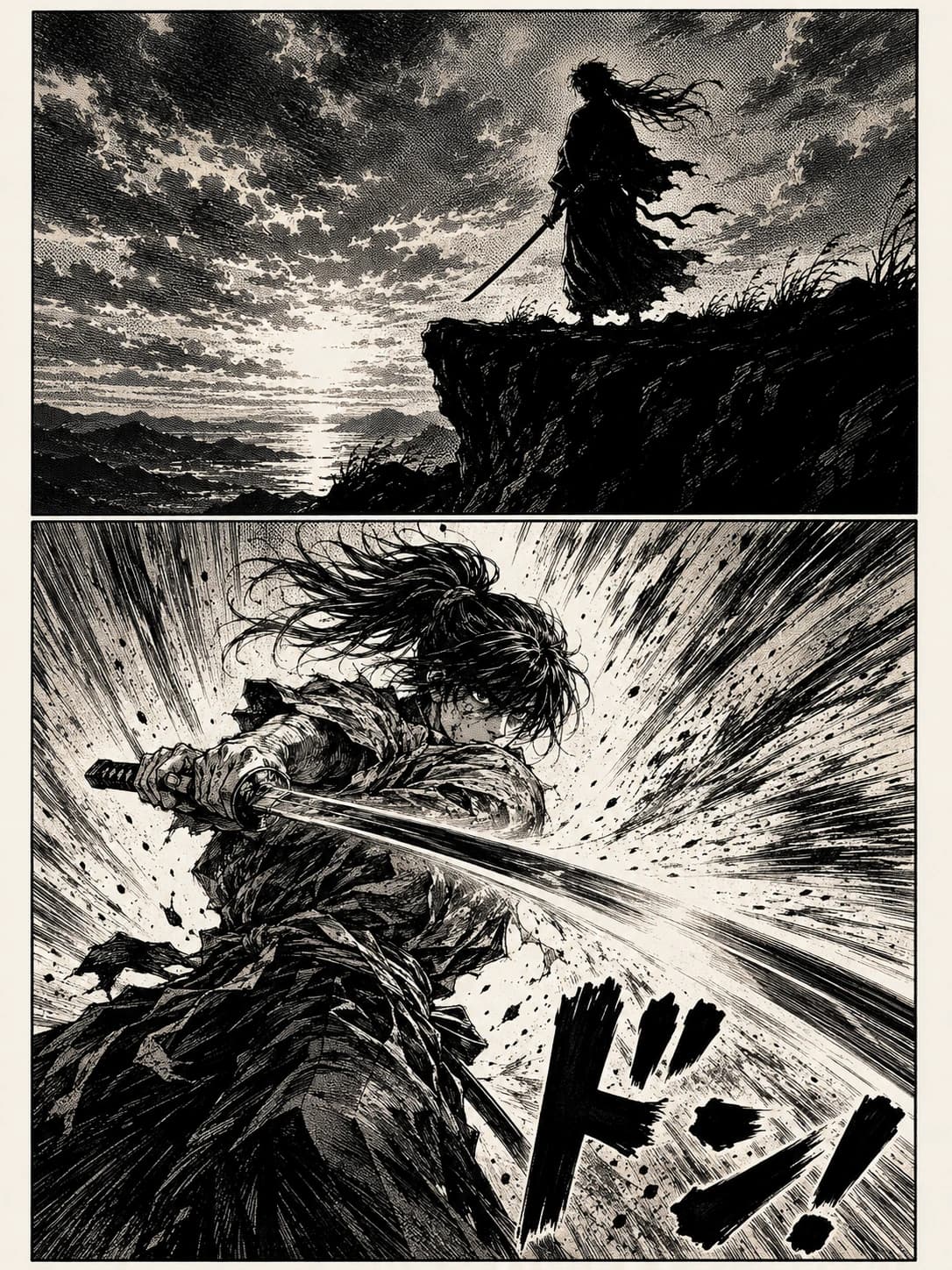
All three damage the artwork in different ways. OS dark mode and Chrome's forced dark mode invert colors inside the panel — whites become grey, blacks become white — so the line art looks wrong. Generic browser-brightness extensions multiply every pixel by the same constant, leaving the page washed-out and muddy, and they dim the whole site including nav and comments. MochiDim is per-channel tone-mapping (R, G, B each get their own curve), scoped to the reader pane — so blacks stay deep, whites become warm cream, contrast is preserved, and the rest of the page stays normal. Blue light gets its own slider on top.
Q.02Which sites does MochiDim work on?
+
Out of the box: MangaDex, Webtoons, Tapas, Cubari, Bato.to, MangaPlus, Comick, Asura, and any plain <img>-based reader on the open web (good for self-hosted scans, scanlator sites, art books, Imgur galleries, scanned PDFs in the Chrome viewer). If a site uses a non-standard canvas-based reader, email hello@mochipanel.com and we'll add tuned support.
Q.03Is MochiDim a manga dark mode or a screen dimmer?
+
Both, in a specific way. It applies a warm, tone-mapped filter to the reader pane only — so the effect feels like dark mode for the artwork while site nav and comments stay in their normal light theme. That's intentional: you want chrome readable, and you want artwork preserved.
Q.04Does MochiDim slow down my browser?
+
No. MochiDim is a sub-megabyte content script that adds one SVG filter to one container element. The filter runs in the browser's GPU compositor pass — same hardware path as CSS transforms. There's no AI, no canvas processing, no image re-rendering, and no background telemetry running on every tab.
Q.05Does the blue-light reduction actually do anything?
+
Yes — and it's separate from the warmth dim, so you can have one without the other. The slider attenuates the blue channel on top of the preset curve, biased toward highlights (a bright pixel emits more total photons, so percentage-wise the same cut at white reduces vastly more blue-light energy than the same cut at the shadows). At full strength the white-blue value drops to roughly 50% of the preset's blue — comparable to f.lux at around 3400K — without crushing deep-shadow detail in the line art.
Q.06Is the $19 really one-time?
+
Yes. One payment, lifetime license, works on every Chromium browser you sign into (Chrome, Brave, Edge, Arc). All future MochiDim updates are included forever. New products from the studio (like MochiTranslate) are priced separately.
Q.07Does MochiDim collect my reading data?
+
No. The extension stores all settings locally in chrome.storage and makes exactly one network call: a periodic license-key check against Polar.sh. No URL is sent, no page content, no user account. Our privacy policy is the full version of this answer.
Q.08What's the refund policy?
+
30 days, no questions, no forms. Email hello@mochipanel.com from the address you used at checkout and we'll refund through Polar and revoke the license.
Q.09Will my MochiDim license work on a new computer?
+
Yes. Install MochiDim on the new machine, paste your license key in the extension settings, and you're back. The same key works across Chrome, Brave, Edge and Arc on as many personal computers as you own.
Q.10Does MochiDim work on Firefox or Safari?
+
Currently MochiDim ships for Chromium browsers (Chrome, Brave, Edge, Arc). A Firefox build is on the roadmap. Safari has a different extension model and isn't yet planned.